
Multi-store and multi-location returns management for Shopify.
Take the return at the counter. Do the repair where the technician is.
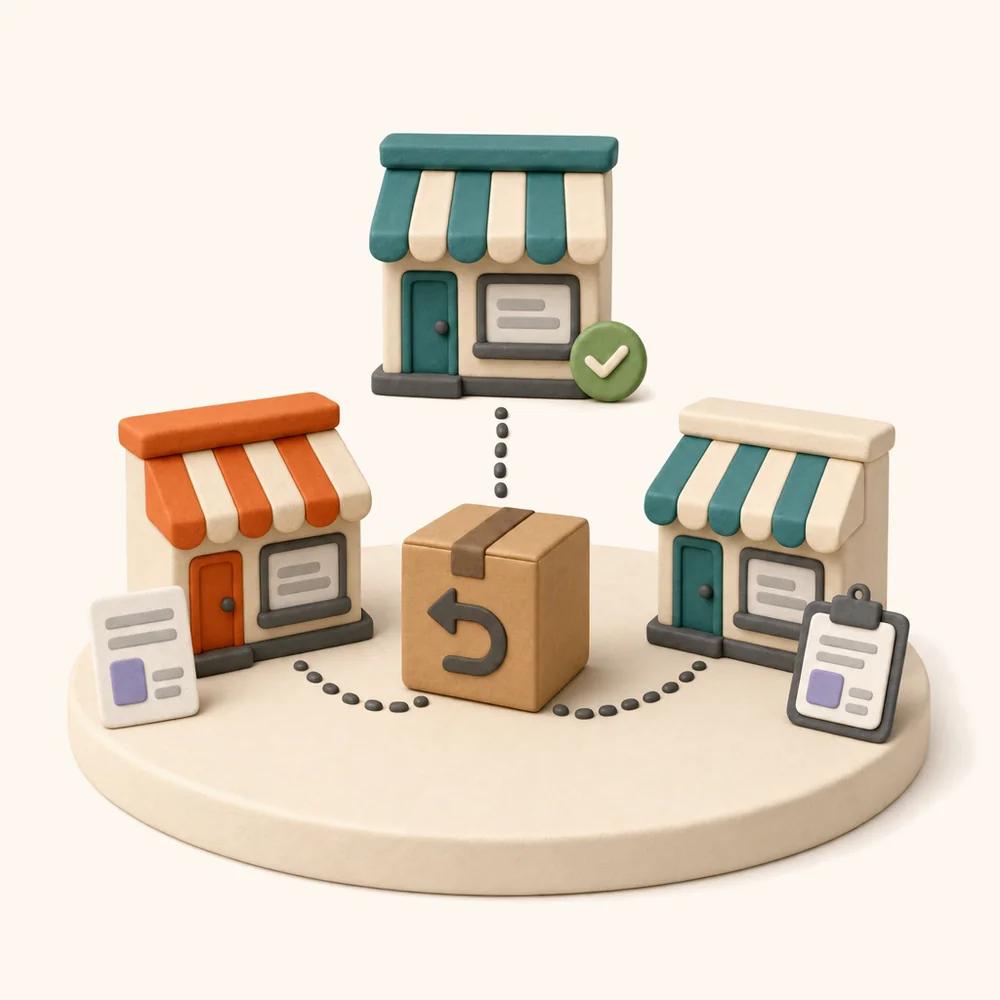
ReturnMate runs returns, warranty claims and repairs across several Shopify stores and physical locations from one system. Retail stores accept returns over the counter, transfer units to a master hub for specialist repair, and every location sees only its own work — while head office sees all of it on one reporting surface.
Receive Returns
Quick check-in for returned items and transfers
Staff pick where they're standing. Every scan from that point lands at the right location — customer returns and inter-store transfers in the same queue.
Built for retailers running a workshop behind a shopfront — or several shopfronts and one workshop. The counter staff never need to know how a specialist repair works; they just need the unit to get there.
Not every location does the same job.
A shopfront takes returns and hands over swaps. A hub inspects, repairs and holds parts. Modelling that difference is the whole point — otherwise every location gets a queue full of work it can't do.
Master hub
The workshop. Receives transfers from every store, runs inspections and specialist repairs, holds parts stock and closes the job.
Retail store
The counter. Accepts customer returns in person, handles counter swaps on the spot, and sends anything needing a technician to the hub.
Warehouse / 3PL
Receives online returns at volume, grades and restocks, and forwards fault units on to the hub rather than making a repair call.
- Locations mapped to your Shopify locations, so inventory moves stay correct
- Several Shopify stores run from a single ReturnMate dashboard
- Location type determines which workflows and actions appear for staff
- Add a store or a hub without re-cutting your reporting
One return, two locations, no phone calls.
The customer walks into whichever store is closest. The unit ends up wherever the technician is. Both facts stay on the same RMA, so nobody has to reconcile a store's spreadsheet against the workshop's whiteboard.
Return accepted at the counter
Staff create the RMA in front of the customer, serial and fault captured.
Transfer created to the hub
Marked as outgoing. The store's job is done.
Transfer received
Scanned in against the same RMA. Chain of custody intact.
Specialist repair completed
Diagnosis, parts, labour — all recorded on the job.
Returned for collection
Dispatched back to the store for pickup, or direct to the customer.
- Counter staff never choose a repair path — they choose a destination
- Transfer legs recorded on the RMA, so custody is provable at every handoff
- SLA keeps running across the transfer; time in transit is visible, not lost
- Customer-facing status updates continue regardless of which site holds the unit
- Return-to-store collection or direct-to-customer dispatch, per job
- Works the same for a specialist repair, a warranty claim or a supplier return
Every unit in motion, on one screen.
Pick a location, choose incoming or outgoing, and see exactly what's coming, what's on the road and what's landed. Receiving is one action — including in bulk, when a pallet of transfers arrives at once.
Transfer Management
Manage items transferred between stores
- Incoming and outgoing views per location, so a store sees what it sent and the hub sees what's arriving
- Search by RMA number, customer, order or tracking across every location
- Select several transfers and receive them in one action
- Workflow type and warranty status visible before the box is opened
- Originating store shown on every row — no guessing where it came from
- Receiving writes straight to the RMA and advances its status
Three states, and always an owner.
Inter-store movement is where units go missing in most retail operations, because nobody owns the middle. Each state here has a location responsible for it.
Pending
Transfer created and awaiting dispatch. Still physically at the sending location.
In transit
Dispatched with tracking attached. Visible to both ends and to head office.
Received
Scanned in at the destination. The RMA advances and the technician queue picks it up.
Every transition is logged against the RMA with the staff member and timestamp — the same audit trail described on RMA management.
The Riverside team only sees Riverside.
Location-scoped, role-based access. Counter staff aren't confronted with a workshop queue they can't action, and one store can't accidentally resolve another store's RMA.
- Roles assigned per location, not globally
- Staff working across two sites hold access at both
- Saved views and queues scoped to location or assignee
- Every action attributed to a staff member and a location in the audit log
Compare your locations honestly.
Volume by store, transfer turnaround, resolution time and cost per location — on one surface, from one data model. Which is how you find out that one store is quietly sending the hub twice as much work as anyone else.
- Volume, resolution time and cost per location, and rolled up across all of them
- Transfer turnaround measured separately from repair time
- Which store sends the most work to the hub, and for which fault types
- Fault and failure-rate data pooled across stores, so patterns appear sooner
- Filter any report to one store, one region or the whole group
- CSV export at any scope
Pooled fault data is the quiet advantage of running multi-store: three shopfronts reach a statistically meaningful failure rate long before one would. See fault tracking.
Multi-store questions.
Can ReturnMate handle multiple Shopify stores?
Yes. Several Shopify stores can be run from a single ReturnMate dashboard, with returns, warranty claims and repairs from all of them in one queue — or filtered to one store at a time. Reporting works at either scope, so you can compare stores or view the group as a whole.
What's the difference between a master hub and a retail store?
Location type determines what a site does. A master hub receives transfers, runs inspections and specialist repairs, holds parts stock and dispatches units back. A retail store accepts returns over the counter, handles counter swaps, and creates transfers for anything needing a technician. Staff at each location only see the actions their location actually performs.
How do inter-store transfers work?
The sending location creates a transfer against the existing RMA — no new record. It moves through Pending, In Transit and Received, with tracking attached and each state owned by a specific location. The receiving site marks it received, which advances the RMA and drops it into the technician queue. Transfers can be received in bulk when several arrive together.
Can a customer return to one store and collect from another?
Yes. The return leg and the collection leg are separate decisions on the same RMA, so a unit accepted at one shopfront can be repaired at the hub and dispatched back to whichever store the customer prefers — or shipped directly to them.
Can I limit what each store's staff can see?
Yes. Access is role-based and scoped by location, so counter staff at one store see only that store's work and can't resolve another location's RMA. Store managers can be given read access to the hub queue and to group reporting. Staff who work across two sites hold access at both. Every action is attributed to a staff member and a location in the audit log.
Does the SLA clock keep running during a transfer?
Yes, and time in transit is reported separately from repair time — so a slow courier route between a store and the hub shows up as a transfer problem rather than being blamed on the workshop.
Do returns stay connected to Shopify inventory across locations?
Yes. ReturnMate locations map to your Shopify locations, so restocks, replacements and inventory transfers land against the right site rather than being corrected manually afterwards.
How much does multi-store support cost?
Multi-location and multi-store capability is part of the ReturnMate platform. ReturnMate has a Free plan at $0/month including 5 RMAs. Starter is $49/month for up to 50 RMAs, with Growth, Ops, Scale and Enterprise plans available for larger operations — larger location counts generally sit on Ops and above. See full pricing →
Related capabilities.
Every RMA tracked. Every decision logged.
Twelve workflow types including counter swap and multi-store transfer, per-item resolution, business-hour SLA and a full audit trail.
Read more →§ WARRANTY & REPAIRSWhat the hub actually does with the unit.
Coverage decisions, technician diagnostics, parts and labour, paid repair quotes and supplier recovery — the workshop end of every transfer.
Read more →§ GUIDEReturns management software: a buyer's guide.
What the category does, what it costs at your volume, the eight capabilities that matter and how to run a two-week trial before you commit.
Read the guide →One workshop. Every shopfront. One system.
See hub-and-spoke returns running on your own locations. Billed through Shopify, cancel from inside Shopify.