
Returns receiving and warehouse check-in for Shopify.
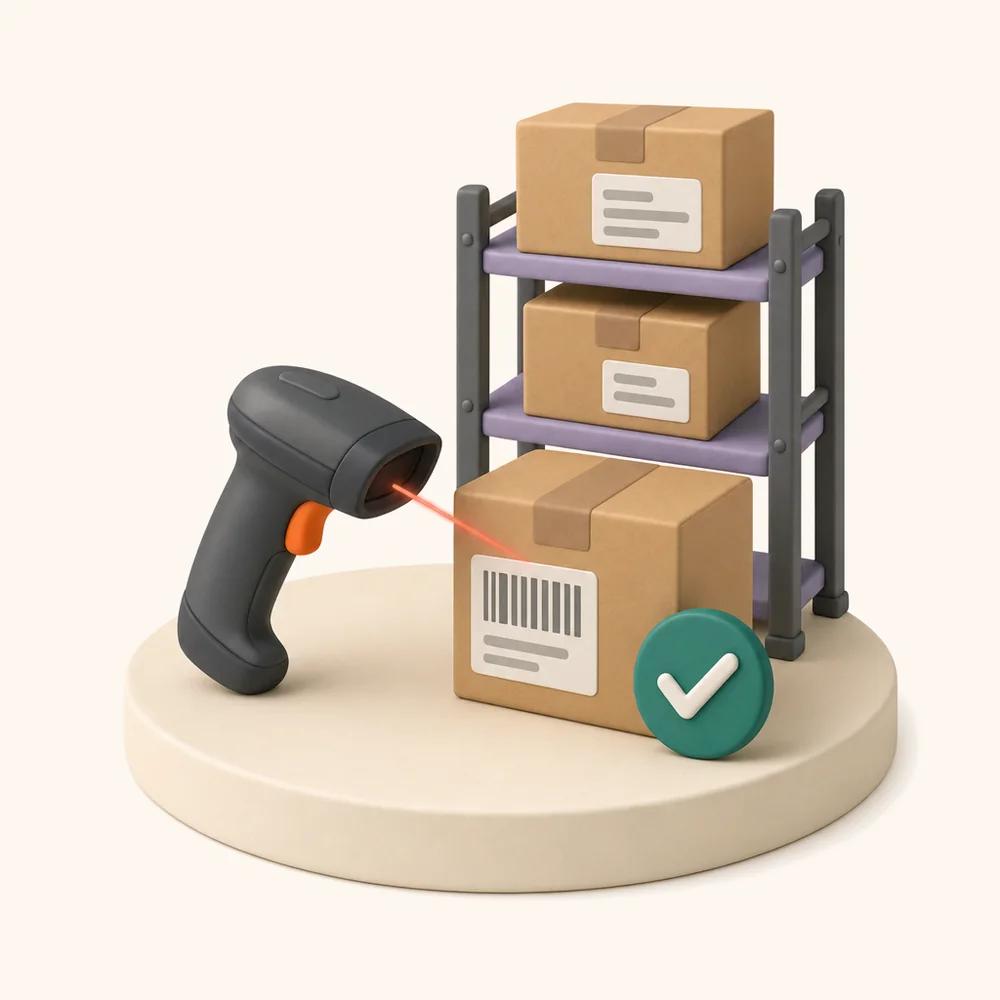
Scan the label. The box stops being a mystery.
ReturnMate turns the returns dock into a scan-and-decide operation. A carrier label, RMA code or device tag opens the right record, condition is graded on the spot, discrepancies are caught while the customer's claim is still fresh, dangerous goods are quarantined on arrival, and every unit is routed to restock, the workshop, a supplier return or disposal.
Receive Returns
Quick check-in for returned items and transfers
The dock is where a returns operation either captures its data or loses it. A unit received without a condition grade, a serial check or a photo becomes an argument three weeks later — with the customer, the technician, or the supplier.
Receiving in ReturnMate takes seconds per parcel precisely so that none of it gets skipped when the trolley is full.
Four ways a parcel gets identified — including the one with nothing on it.
Most returns arrive with something scannable. The interesting case is the one that doesn't, because that's the parcel that sits on a shelf for a fortnight in every operation that has no path for it.
Carrier label
Tracking barcode from a supported carrier resolves straight to the RMA.
ReturnMate QR
Printed on the returns paperwork the customer was issued.
Device tag or serial
Serial barcode on the unit itself, for anything already tagged.
Nothing scannable
Received as an unexpected parcel, photographed, and queued for matching against open claims.
- Search fallback by order number, customer name, RMA or tracking
- Expected quantity shown before the box is opened
- Warranty status, DG flags and remaining SLA surfaced at the scan
- Transfers from other locations receive through the same screen as customer returns
- Unexpected parcels logged with photos so they can be claimed later, not lost
- Works at any location — hub, retail store or third-party warehouse
Inter-store transfers and their custody states are covered on multi-store.
Condition decided at the bench, not remembered later.
Four grades, each with a default disposition and a restocking fee rule behind it. Staff pick a grade; the system applies the policy — so two people grading the same unit produce the same financial outcome.
- Photos captured at grading, attached permanently to the RMA
- Restocking fees applied by condition, overridable with a reason
- Accessory and completeness checklist per product family
- Grade drives the default disposition, but a human can always override
- Condition on arrival stored separately from the customer's stated condition
- Grading decisions attributed to the staff member and timestamped
When what arrived isn't what was claimed.
This is the section most returns apps don't have, and it's where the money leaks. Each of these is caught at the dock and routed somewhere specific instead of becoming an email thread.
Serial doesn't match the claim
The unit sent back isn't the unit the warranty claim was raised against — a different age, a different batch, sometimes a different customer's product.
Wrong item returned
A different SKU to the one approved. Common with multi-item orders and near-identical variants.
Accessories or parts missing
Charger, cable, battery or manual absent. Materially changes both the resale grade and the fee.
Quantity short, or the box is empty
Two claimed, one arrived — or nothing arrived. Needs a photographed record made at the moment of opening.
- Received quantity checked against expected quantity automatically
- Serial mismatch blocks resolution rather than quietly proceeding
- Photo evidence at receipt, which is the only defensible record of what was in the box
- Dispute flag pauses the SLA clock and prevents closure until a manager resolves it
Dispute handling and closure blocking are detailed on RMA management.
Every unit leaves the dock with a destination.
Nothing gets set down "for now". Receiving assigns a disposition, and the disposition is what creates the next piece of work — a putaway, a technician job, a supplier batch or a disposal record.
Restock
Back to sellable inventory at this location.
Workshop
Into the technician queue for diagnosis or repair.
Supplier return
Grouped into a return-to-vendor batch with the fault evidence.
Disposal
Written off, with regulated disposal where required.
Quarantine
Held pending review, DG assessment or a dispute outcome.
- Disposition per line item, so a three-item return can end three different ways
- Restock writes to the correct Shopify location, not a default one
- Workshop disposition creates the repair job with the receipt data already attached
- Supplier returns accumulate into batches rather than being handled one at a time
The parcel that shouldn't be opened on a packing bench.
A returned lithium battery pack that arrived swollen, or an aerosol that has been in a hot van, is a receiving problem before it is a repair problem. Flags appear at the scan, not after the box is open.
Classification, transport documentation and carrier filtering are covered in full on dangerous goods handling.
Built for a full trolley, not a demo.
Receiving speed decides whether the data gets captured. If check-in takes two minutes a parcel, the grading and photos get skipped on a busy Monday — so the design goal is seconds.
- Bulk receive, bulk grade and bulk restock from any filtered list
- Keyboard and scanner driven — no mouse required for a normal receipt
- Works on a tablet or phone on the dock, and in ReturnMate Tech at the bench
- Dock-to-inspection time reported as its own metric, because it's usually the bottleneck
- Receipt volumes by location, day and staff member
- Every receipt writes a timeline entry with who, what and when
Dock-to-inspection is one of the SLA steps tracked in analytics — and the step that most often turns out to be the real delay.
Restock means restocked, at the right location.
A returns process that doesn't move inventory correctly creates a second job for someone in Shopify afterwards. Receiving writes the movement as it happens, against the location that physically holds the unit.
- ReturnMate locations map to your Shopify locations
- Restocks land at the receiving site, not a default warehouse
- Open-box and graded stock handled per your policy rather than merged with new
- Replacement dispatch draws from the correct location's inventory
- Write-offs remove stock and record the value, so shrinkage is explained
- Every inventory movement is logged against the RMA for reconciliation
Receiving questions.
What does returns receiving software do?
It turns the arrival of a returned parcel into a recorded event rather than a physical pile. Staff scan an identifier, the correct return record opens, condition is graded, discrepancies are captured, and the unit is assigned a destination — restock, workshop, supplier return, disposal or quarantine. In ReturnMate, receiving is a dedicated check-in screen that handles both customer returns and inter-store transfers, at any location, with the resulting data written straight to the RMA.
What can staff scan to check a parcel in?
A carrier tracking barcode from a supported carrier, the ReturnMate QR code printed on the returns paperwork, or the serial or device tag on the unit itself. There's also a search fallback by order number, customer, RMA or tracking — and a defined path for parcels with nothing scannable on them at all.
What happens when a parcel arrives with no paperwork?
It's received as an unexpected parcel: photographed, logged and queued for matching against open claims. That matters more than it sounds — in most operations an unidentifiable parcel goes on a shelf and becomes nobody's problem until a customer chases it.
Can we record condition and photos at receipt?
Yes, and it's the point of the step. Four condition grades — good, fair, damaged, unusable — each with a default disposition and restocking fee rule, plus photos attached permanently to the RMA. Condition on arrival is stored separately from the condition the customer described, and every grading decision is attributed and timestamped.
What if the wrong item or wrong serial comes back?
It's caught at the dock. Received quantity is checked against expected quantity, and a serial that doesn't match the claim holds the RMA for review rather than allowing it to resolve. Wrong SKUs, missing accessories and short or empty parcels are each recorded against the RMA, with a dispute flag available that pauses the SLA clock and blocks closure until a manager resolves it.
How are dangerous goods handled on arrival?
Hazard class is shown at the scan, before the parcel is opened, and DG units route to a segregated receiving area rather than the general packing bench. Damage or a thermal event is recorded as a safety-relevant fault, onward transport documents are generated for any further movement, and disposal is recorded where the unit can't safely move again.
Can we receive a whole pallet at once?
Yes. Select every return or transfer on a pallet and receive them in one action, then grade and restock in bulk from any filtered list. Receiving is keyboard and scanner driven, because check-in speed is what determines whether grading and photos actually get done on a busy day.
Does receiving update Shopify inventory?
Yes. ReturnMate locations map to your Shopify locations, so a restock lands at the site that physically holds the unit rather than a default warehouse. Graded and open-box stock is handled per your policy, replacement dispatch draws from the correct location, and write-offs remove stock and record the value so shrinkage is explained rather than discovered.
How much does it cost?
Receiving is part of the ReturnMate platform, not a separate product. ReturnMate has a Free plan at $0/month including 5 RMAs. Starter is $49/month for up to 50 RMAs, with Growth, Ops, Scale and Enterprise plans available for larger operations. See full pricing →
Related capabilities.
What happens after the unit is graded.
Coverage decisions, technician diagnostics, parts and labour, paid repair quotes and supplier recovery — the queue receiving feeds.
Read more →§ MULTI-STOREReceiving transfers between locations.
Hub-and-spoke movement, custody states, per-location permissions and one reporting surface across every site.
Read more →§ GUIDEWhat is an RMA, and how the process runs.
Return merchandise authorisation explained: the RMA number, the form, the states a return moves through and a downloadable template.
Read the guide →Turn the returns pile into a queue.
See scan-based receiving running on your own products and locations. Billed through Shopify, cancel from inside Shopify.