
Your ERP learns what came back — and why.
Returns, credits and supplier recovery, posted where finance already lives.
ReturnMate integrates with five ERPs — Cin7 Core, Unleashed, NetSuite, Brightpearl and Microsoft Dynamics 365 Business Central. It mirrors ERP products, suppliers, purchase orders, goods receipts and warehouses into the returns workflow, and posts return receipts, stock adjustments, credit notes and supplier credits back to the ERP as each RMA is received, dispositioned, refunded or attributed to a supplier.
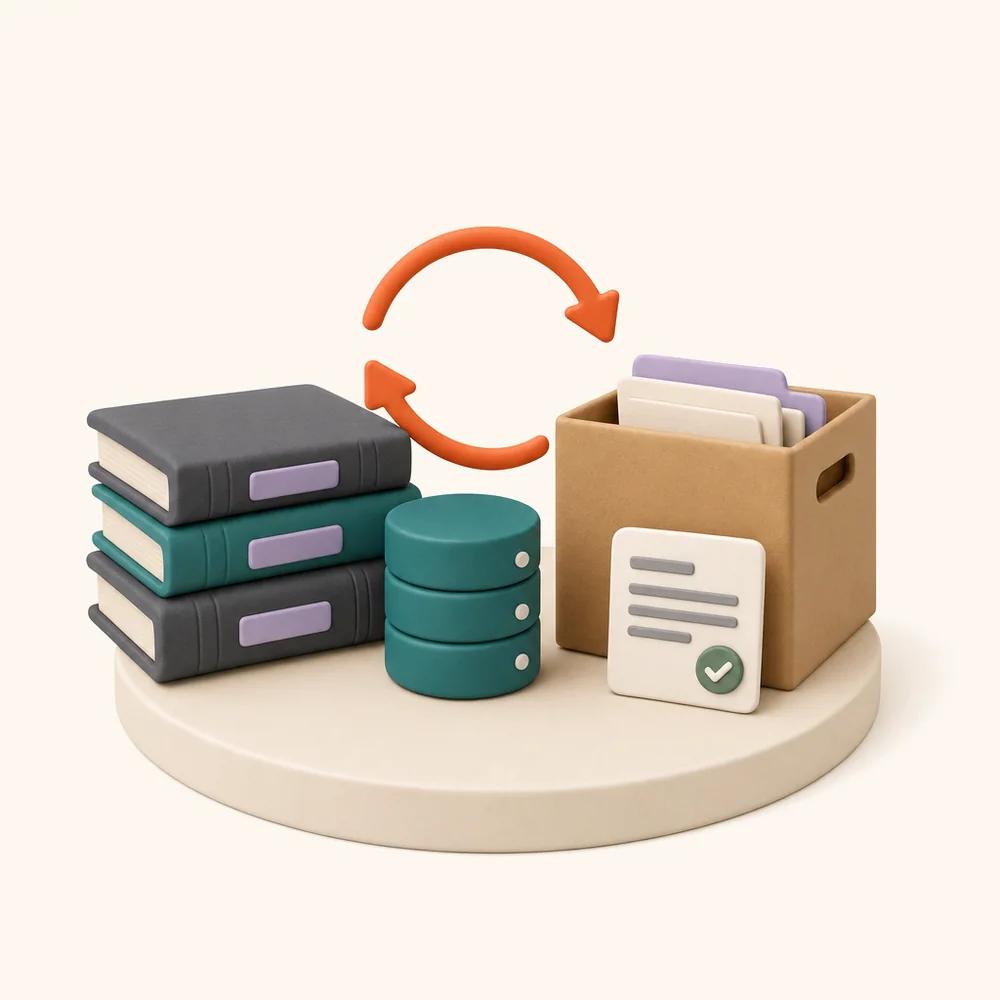
Mirror in, post out. Never in the request path.
Every ERP connects the same way. A background sync mirrors your ERP data into ReturnMate on a cursor — resumable, time-budgeted pages, with only changed records moving after the first mirror. Postings go the other way through an outbound ledger: every document carries an idempotency key, and the pipeline knows each ERP's capabilities, so unsupported document types are skipped and recorded instead of failing the return.
- Mirrored read side: products, suppliers, customers, sales invoices, purchase orders, goods receipts, warehouses — and stock levels, serials and batches where the ERP exposes them
- ERP data is never fetched live inside a request — ERP slowness never slows a return
- Credentials stored encrypted per shop, with a connection test before anything syncs
- Warehouse and account mappings, a default location, and per-document posting toggles — you decide what ReturnMate may write
- Idempotency keys plus an outbound posting ledger — retries and replays never duplicate a document
- First-posted-wins dedupe on dispositions — a changed decision never double-counts the same units
Documents raised by the RMA lifecycle itself.
Nobody re-keys a return into the ERP. As the RMA moves, the matching document posts — against the warehouse and accounts you mapped, only for the document types you switched on, and only where the ERP's API supports them.
Supplier, vendor and purchase credits are the ERP side of supplier fault tracking — the warranty cost you attributed on the RMA becomes a document finance can settle against.
Cin7 Core
FORMERLY DEAR SYSTEMS · AU/NZ
The deepest connector of the five. Cin7 Core goods receipts carry serial and batch numbers, so a returned serialised unit can be traced back to the purchase order and supplier batch it arrived on — the evidence chain behind supplier recovery.
- Mirrors products, suppliers, customers, invoices, POs, goods receipts, warehouses and stock levels
- Serial and batch numbers read from goods receipts — serial → purchase-order trace
- Posts return receipts, stock adjustments and credit notes
- Rate-limit aware (60 requests/minute) with automatic backoff
Unleashed
INVENTORY ERP · AU/NZ
A full inventory mirror — products through stock levels — with the return side posted back as it happens: a return receipt when the unit is scanned in, a stock adjustment when inspection writes it off.
- Mirrors products, suppliers, customers, invoices, POs, goods receipts, warehouses and stock levels
- Posts return receipts and stock adjustments
- Warehouse mapping with a configurable default location
- Credit notes are on the adapter roadmap (Unleashed requires an invoice-linked flow)
NetSuite
ORACLE · MID-MARKET & ENTERPRISE
Returns reach the general ledger the way your accountant expects: inventory adjustments post against your account mapping, refunds post as credit memos, and supplier-responsible warranty cost posts as vendor credits.
- Mirrors products, suppliers, customers, invoices, POs, goods receipts and warehouses
- Posts inventory adjustments using your account mapping
- Posts credit memos on refund, vendor credits for supplier recovery
- Stock levels and serial detail are on the adapter roadmap
Brightpearl
RETAIL OPERATING SYSTEM
Stock corrections, sales credits and purchase credits posted straight from the RMA — the customer-side and supplier-side paperwork both raised from the same record that holds the evidence.
- Mirrors products, suppliers, customers, orders, POs and warehouses
- Posts stock corrections as units are received or written off
- Posts sales credits on refund, purchase credits for supplier recovery
- Goods-in notes and stock levels are on the adapter roadmap
Dynamics 365 Business Central
MICROSOFT · SMB ERP
Mirrored through the standard Business Central API with OAuth against your Microsoft tenant. Refunds post as sales credit memos and supplier-responsible cost as purchase credit memos — recovery pursued from inside Microsoft finance.
- Mirrors products, suppliers, customers, invoices, POs, goods receipts, warehouses and stock levels
- Posts sales credit memos on refund, purchase credit memos for supplier recovery
- OAuth token flow against your Microsoft tenant
- Inventory adjustments aren't exposed by the BC v2.0 standard API — stock movements stay in ReturnMate
Business Central integration — setup, capabilities and FAQ →
What each ERP supports today.
The five platforms expose different APIs, so the connector is honest about the differences rather than papering over them. ✓ is available now, ○ is on the adapter roadmap, — means the ERP's API doesn't expose it.
| Capability | Cin7 Core | Unleashed | NetSuite | Brightpearl | Dynamics BC |
|---|---|---|---|---|---|
| Products, suppliers, customers, orders & POs | ✓Available | ✓Available | ✓Available | ✓Available | ✓Available |
| Goods receipts | ✓Available | ✓Available | ✓Available | ○On the adapter roadmap | ✓Available |
| Stock levels | ✓Available | ✓Available | ○On the adapter roadmap | ○On the adapter roadmap | ✓Available |
| Serial & batch numbers on receipts | ✓Available | ○On the adapter roadmap | ○On the adapter roadmap | —Not exposed by the ERP's API | —Not exposed by the ERP's API |
| Post return receipts & stock adjustments | ✓Available | ✓Available | ✓Available | ✓Available | —Not exposed by the ERP's API |
| Post credit notes / credit memos | ✓Available | ○On the adapter roadmap | ✓Available | ✓Available | ✓Available |
| Post supplier / vendor / purchase credits | ○On the adapter roadmap | —Not exposed by the ERP's API | ✓Available | ✓Available | ✓Available |
✓ AVAILABLE · ○ ADAPTER ROADMAP · — NOT EXPOSED BY THE ERP'S API. AS AT 24 AUGUST 2026.
Available on Scale and Enterprise.
ERP integration is included on the Scale and Enterprise plans. Setup lives in Settings → Integrations → ERP: connect with your credentials, map warehouses and accounts, choose the document types ReturnMate may post, and run the first mirror. See pricing →
ERP integration questions.
Which ERPs does ReturnMate integrate with?
Five: Cin7 Core (formerly DEAR Systems), Unleashed, Oracle NetSuite, Brightpearl and Microsoft Dynamics 365 Business Central. All five run on the same connector model — a background sync that mirrors ERP data into ReturnMate, and a posting pipeline that writes return documents back as RMAs move through their lifecycle.
What does ReturnMate post to the ERP?
Documents generated by the return itself: a return receipt when a unit is received, a stock adjustment when it is restocked or written off, a credit note or credit memo when a refund is issued, and a supplier, vendor or purchase credit when a verified fault is the supplier's cost to fund. Exactly which document types are available varies by ERP — the capability matrix on this page shows the current state per platform.
What does ReturnMate read from the ERP?
Products, suppliers, customers, sales invoices, purchase orders, goods receipts, warehouses and — where the ERP's API exposes them — stock levels and serial or batch numbers. Data is mirrored locally by a cursor-based delta sync in resumable, time-budgeted pages; it is never fetched live inside a request, so ERP slowness never slows a return.
Can duplicate documents end up in my ERP?
No. Every posting carries an idempotency key and passes through an outbound posting ledger, so a retried or replayed event never creates a second document. Dispositions use first-posted-wins dedupe — if a decision changes after a document has posted, the same units are never counted twice.
What happens when my ERP doesn't support a document type?
The posting pipeline is capability-aware: it knows what each ERP's API can accept, and where a document type isn't supported the posting is skipped and recorded against the RMA rather than failed. The return keeps moving, and nothing errors silently.
Which plans include ERP integration?
ERP integration is available on the Scale and Enterprise plans. You configure it per shop under Settings → Integrations → ERP: connect with your credentials (stored encrypted), map warehouses and accounts, choose which document types ReturnMate may post, and run the first mirror.
Related capabilities.
Every RMA tracked. Every decision logged.
The lifecycle that raises these documents — twelve workflow types, per-item resolution and a finance-ready audit trail.
Read more →§ FAULT TRACKINGThe supplier feedback loop.
Three-level fault classification and defect rates by SKU and supplier — the evidence behind the vendor credits this integration posts.
Read more →Stop re-keying returns into your ERP.
See the mirror and the posting pipeline running against your own ERP. Available on Scale and Enterprise, billed through Shopify.