
Cin7 Core + ReturnMate
Cin7 Core (formerly DEAR Systems) is where many AU/NZ product businesses keep their inventory truth. ReturnMate mirrors it — products, suppliers, customers, invoices, purchase orders, goods receipts, warehouses and stock levels, including serial and batch numbers — and posts return receipts, stock adjustments and credit notes back as returns resolve.
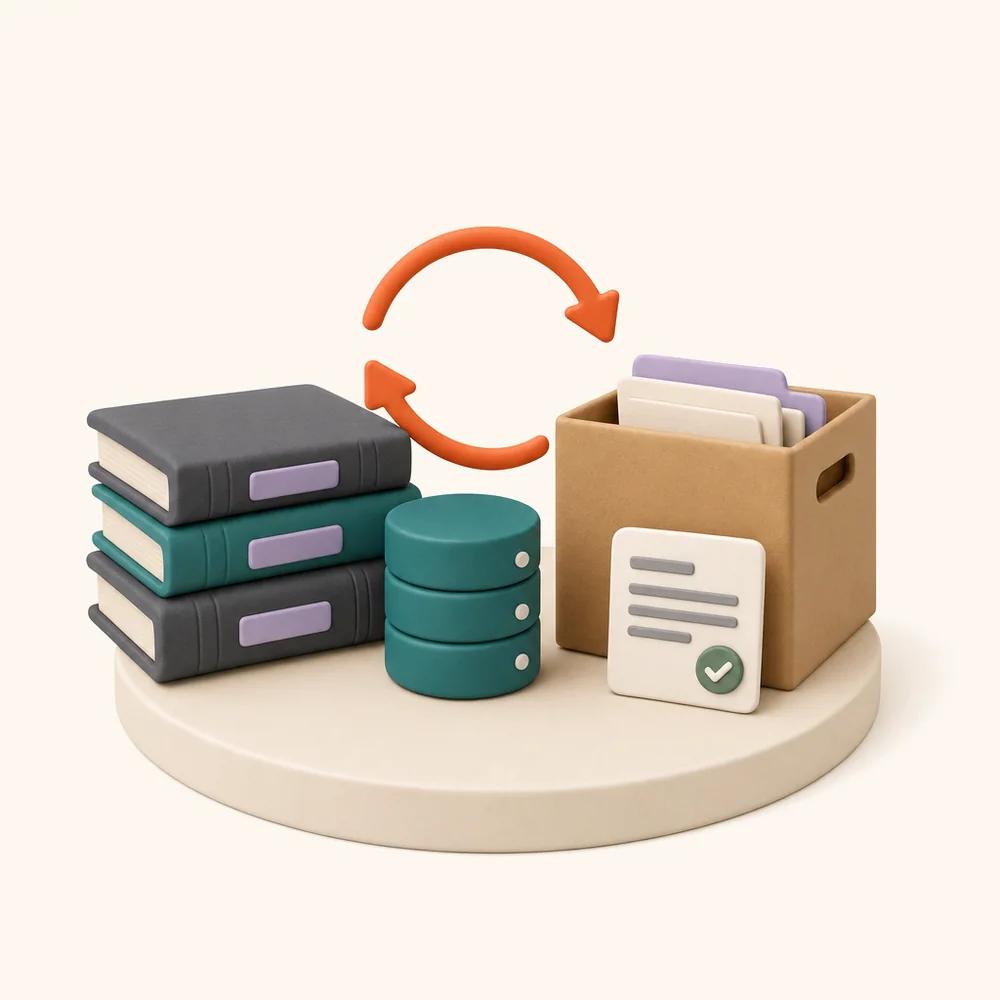
What the Cin7 Core connection actually does.
- Mirrors products, suppliers, customers, sales invoices, purchase orders, goods receipts, warehouses and stock levels
- Serial and batch numbers read from goods-receipt lines — enabling serial → purchase-order trace on returned units
- Posts return receipts and stock adjustments as units are received and dispositioned
- Posts credit notes when refunds are issued
- Delta sync on a cursor — only changed records move after the first mirror
- Rate-limit aware (60 requests/minute) with automatic backoff
Where it earns its place.
Trace a returned serial to its purchase order
Cin7 Core goods receipts carry serial and batch numbers. When a serialised unit comes back, ReturnMate can trace it to the PO and supplier batch it arrived on — the evidence that turns a warranty cost into a supplier conversation.
Stock that matches after every return
A restocked return posts a positive stock correction; a write-off posts an adjustment. The first posted document wins, so a changed disposition never double-counts the same units.
Credit notes without re-keying
When a refund is issued on the RMA, a credit note posts to Cin7 Core with an idempotency reference — finance sees the credit against the sale without anyone typing it twice.
Connect Cin7 Core.
- Connect with your API credentials
Settings → Integrations → ERP → Cin7 Core. Credentials are stored encrypted per shop and never leave the server; a connection test confirms the account before anything syncs.
- Map warehouses and set posting toggles
Map Cin7 Core locations to your ReturnMate locations, choose a default warehouse, and switch each document type on or off — you decide what ReturnMate is allowed to post.
- Run the first mirror
The initial sync pages through your data in resumable, time-budgeted batches; after that, delta sync picks up only what changed.
Questions about Cin7 Core.
Which plans include the Cin7 Core integration?
ERP integration is available on the Scale and Enterprise plans.
Can ReturnMate post supplier returns to Cin7 Core?
Not yet — return receipts, stock adjustments and credit notes post today. Supplier-return documents are on the adapter roadmap; where a document type is not supported, the posting is skipped and recorded rather than failed.
Does syncing slow down ReturnMate?
No. ERP data is mirrored locally in the background on a cursor — it is never fetched live inside a request — and postings go through an idempotent outbound ledger, so retries never create duplicate documents.
Ask about the Cin7 Core integration.
Tell us how you'd use Cin7 Core with ReturnMate
Return volumes, the systems involved and whether you already have an account — we'll come back within one business day.
Often set up together.
Unleashed
Full inventory mirror — products, POs, goods receipts, stock levels — with return receipts and stock adjustments posted back as returns resolve.
View integration →ERPNetSuite
Mirror the suite, post the paperwork: inventory adjustments, credit memos and vendor credits raised from the RMA record.
View integration →CommerceShopify
Native install with orders, customers, inventory, refunds, draft orders, and mandatory-webhook compliance.
View integration →Wire your stack together.
Start free — 5 returns a month on the Free plan, no credit card required. Billed through Shopify.